
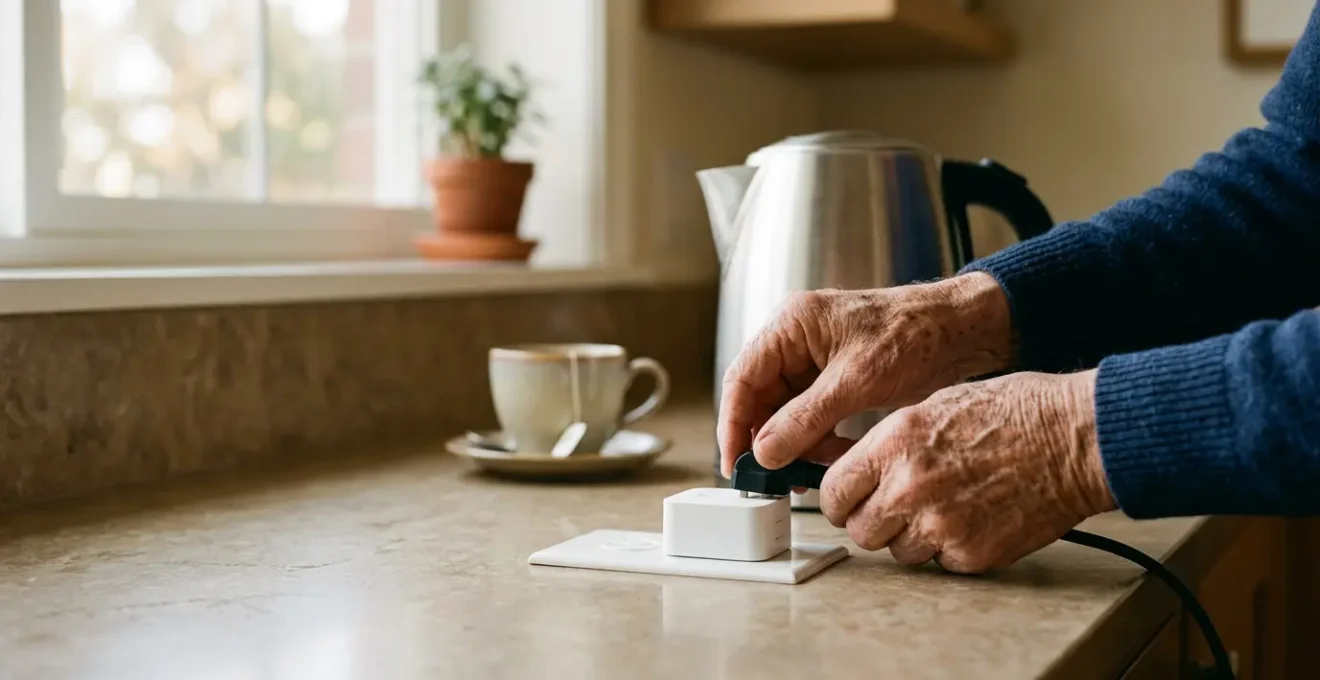
The key to effective passive monitoring isn’t the smart plug itself, but designing a resilient smart home system around it that provides reliable insights, not just raw data.
- Standard Wi-Fi plugs can be unreliable; dedicated protocols like Z-Wave or Zigbee offer superior signal integrity, crucial for consistent monitoring.
- True peace of mind comes from AI that learns daily rhythms and only alerts you to meaningful deviations, not every single event.
Recommendation: Start by assessing the home’s connectivity and structure, then choose robust hardware (like Z-Wave/Zigbee) before focusing on the software rules and alerts.
The daily ritual of boiling a kettle for a morning cup of tea is a comforting constant for millions. For an adult child living miles away, that simple act can be a profound ‘sign of life’—a quiet affirmation that Mum or Dad is up and about, starting their day as usual. The promise of smart home technology, specifically a smart plug on the kettle, is to capture this signal and deliver peace of mind without an intrusive phone call. It’s an elegant concept that offers a layer of awareness while fiercely protecting a parent’s independence.
However, many who venture down this path find the reality is more complex. The market is saturated with generic advice about smart plugs, motion sensors, and cameras. But simply plugging in a device often leads to a stream of meaningless notifications or, worse, a false sense of security when an unstable Wi-Fi connection causes the system to fail silently. The data is there, but it lacks context and reliability. This creates a new kind of anxiety, replacing the worry of the unknown with the frustration of technology that doesn’t quite work as promised.
But what if the approach was different? What if, instead of just using a gadget, you architected a truly intelligent and resilient system? The secret isn’t in the plug, but in the thinking behind it. This guide moves beyond the basics to an integrator’s perspective. We’ll explore how to build a passive monitoring system that is robust, respects dignity, and translates raw data into meaningful insight. It’s about designing a solution that delivers on the original promise: genuine peace of mind, powered by technology that you can actually trust.
This article will guide you through the critical technical and ethical decisions required to build a system that works. From understanding the nuances of AI learning to choosing the right wireless protocol for an old house, you’ll gain the expertise to create a setup that is both smart and wise.
Summary: Architecting Your Smart Monitoring System
- Why does AI take 2 weeks to learn a senior’s routine before alerting?
- How to set up Alexa to make emergency calls if you can’t reach the phone?
- Subscription care sensors vs standard smart home kit: is the £50/month worth it?
- The error of relying on WiFi sensors when the senior has an unstable connection
- How to set up cameras (if used) so they respect dignity in private areas?
- How to install a non-intrusive monitoring system in a period property?
- Why do most detectors fail to register a ‘sliding’ fall from a chair?
- How does accelerometer technology distinguish between a fall and sitting down quickly?
Why does AI take 2 weeks to learn a senior’s routine before alerting?
The true power of a passive monitoring system isn’t knowing the kettle was boiled at 8:01 AM; it’s being alerted only when it *isn’t* boiled by 9:30 AM. This transition from raw data to actionable insight is where Artificial Intelligence comes in, and it requires a crucial learning phase. For the first one to two weeks, the system is in a « listen-only » mode, establishing a behavioural baseline. It’s not just about the kettle; it’s about mapping the entire rhythm of the home: when the hallway light turns on, when the TV is used, and how sleep patterns evolve.
This initial period is vital for preventing « notification fatigue. » Without a baseline, any slight deviation would trigger an alert, rendering the system useless. The AI needs to understand what’s normal to identify what’s not. For example, it will learn that on Mondays your father wakes at 7:30 AM, but on Saturdays, he sleeps in until 8:45 AM. After the learning phase, an alert will only be sent if he deviates significantly from this established, day-specific pattern. This process mirrors how specialized devices like the CarePredict wearable work, using advanced sensors to continuously track habits and detect subtle changes that may signal emerging health issues before they become crises.
This patient approach to data collection is a hallmark of professional-grade systems and a key differentiator from basic smart plug setups. The growth in this field has been explosive; a bibliometric analysis shows that 90.87% of all AI in geriatric care publications occurred from 2014 to 2022, highlighting a massive shift towards these intelligent, pattern-based models. The two-week learning period is the investment required to build a system that provides a high-quality, low-noise signal of wellbeing.
How to set up Alexa to make emergency calls if you can’t reach the phone?
While passive monitoring provides peace of mind about daily routines, a comprehensive safety system must also account for active emergencies. What if your parent falls and cannot reach their phone or a pendant? This is where voice assistants like Amazon’s Alexa can become a critical lifeline, transforming a smart speaker into an accessible emergency contact device. Setting this up is a straightforward process that you can manage remotely through the Alexa app.
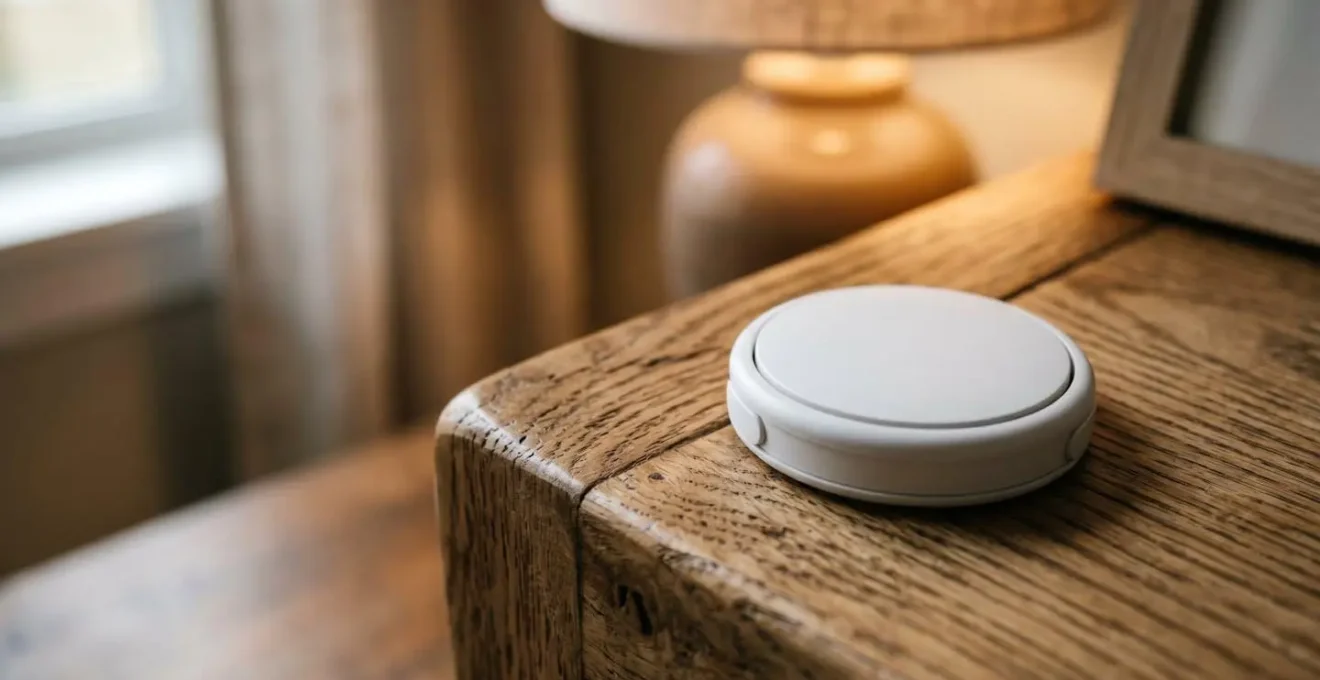
The core feature is « Alexa Communications, » which allows you to designate a specific person as an emergency contact. Once configured, your parent can simply say, « Alexa, call for help » or « Alexa, call my emergency contact, » and the device will immediately call and message that designated phone. For even greater security, you can add a physical trigger. A simple, wireless smart button, placed on a bedside table or in the bathroom, can be programmed to initiate the emergency call sequence, providing a silent and easily accessible way to ask for help without needing to speak.
For those seeking a professionally monitored solution, Amazon offers a subscription service called Alexa Emergency Assist. This service, which costs around $7.99 per month or $79 for one year, connects the user to a 24/7 Urgent Response center. When help is requested, trained agents can dispatch emergency services like police, fire, or ambulance to the home, providing a level of response similar to traditional medical alert systems.
Your Action Plan: Setting Up an Alexa Emergency Contact
- Open the Alexa app on your smartphone and navigate to the ‘Communicate’ tab.
- Tap the contacts icon (top right), then tap the three-dot menu to select ‘Emergency Contact’.
- Search for and select the contact you wish to designate. It’s crucial to choose their mobile number, not a landline, so they can receive both the call and text message alert.
- Confirm your selection. The contact will receive a message informing them they’ve been added.
- Test the system with your parent by having them use the phrase « Alexa, call my emergency contact » to ensure it works as expected.
Subscription care sensors vs standard smart home kit: is the £50/month worth it?
When designing a monitoring system, a central question arises: should you build a Do-It-Yourself (DIY) system with standard smart home components, or invest in a professional, subscription-based service? While a £50 monthly fee might seem steep compared to a one-time hardware purchase, the value proposition lies in the shift from collecting data to receiving managed insights and professional oversight. A DIY kit gives you the tools, but a subscription service provides a team.
A DIY approach offers flexibility and lower long-term costs. You own the hardware and are in complete control of the rules and notifications. For a tech-savvy person, this is appealing. However, the responsibility is entirely on you. You must interpret the data, manage false alarms, and be the sole point of contact in an emergency. On the other hand, subscription services provide a managed ecosystem. Their AI is more sophisticated, capable of identifying subtle behavioral drifts over time. Crucially, they offer professional emergency escalation: if an alert is triggered, their team will first try to contact the senior, then the family, and finally, emergency services if needed. This tiered response is a significant benefit, especially for caregivers who cannot always be available to respond immediately.
The decision ultimately hinges on your time, technical confidence, and the level of risk you’re willing to manage. As smart home experts note, a system built on a robust protocol like Z-Wave can cost significantly less over the long term than services with ongoing fees. But for that saving, you trade the peace of mind that comes with a 24/7 professional monitoring team.
This table breaks down the key differences, using data from a recent comparative analysis of home automation costs.
| Feature | DIY Smart Home Kit | Subscription Care Service |
|---|---|---|
| Initial Hardware Cost | $65 – $500 (basic to mid-range) | $199 – $2,500 (often subsidized) |
| Monthly Fee | $0 – $10 (optional cloud storage) | $20 – $80 (includes monitoring) |
| Setup & Installation | DIY (1-3 hours time investment) | Professional (included in subscription) |
| Data Insights | Raw data (e.g., ‘Kettle On at 8:05’) | AI insights (e.g., ‘Waking 45 min later than average’) |
| Emergency Escalation | Alert goes to your phone only | Professional team: text → call senior → call family → 911 |
| False Alarm Management | Manual adjustment required | Adaptive AI learning over time |
The error of relying on WiFi sensors when the senior has an unstable connection
The most sophisticated AI and the most elegant app are useless if the data from the sensors never arrives. This is the single biggest point of failure in many DIY monitoring setups: an over-reliance on Wi-Fi. While Wi-Fi is ubiquitous, it’s not designed for the mission-critical reliability required for remote care. It operates in the crowded 2.4 GHz spectrum, making it susceptible to interference from neighbours’ networks, microwaves, and other household devices. For a senior with an older, unreliable router or an unstable internet connection, a Wi-Fi-based system is a recipe for missed alerts and a false sense of security.
This is where building a system with system resilience in mind becomes paramount. From an integrator’s perspective, the solution is to use dedicated smart home protocols like Z-Wave or Zigbee. These technologies create a mesh network, where each mains-powered device (like a smart plug) acts as a repeater, strengthening and extending the network. If one device can’t reach the central hub directly, it relays its signal through a neighbour. This creates a robust, self-healing web of communication that is independent of your parent’s Wi-Fi stability for internal communication.
The technical advantages are clear. A study on a ZigBee-based elderly health monitoring system demonstrated its robust, multi-hop architecture ensures reliable data transmission even when internet connectivity is unstable. Furthermore, the physics are on their side. Z-Wave is a particularly strong choice because it operates in the sub-1 GHz frequency band (908.42 MHz), which encounters far less interference and penetrates thick walls more effectively than Wi-Fi’s 2.4 GHz. This not only improves signal integrity but also dramatically boosts battery life in sensors, with Zigbee devices lasting years compared to just months for their Wi-Fi counterparts.
How to set up cameras (if used) so they respect dignity in private areas?
The conversation around in-home monitoring often turns to cameras. While they can provide an unparalleled level of visual confirmation, their use is fraught with ethical complexities. For a parent who values their independence and privacy, the presence of a camera can feel like an intrusion, a constant reminder that they are being watched. If cameras are to be part of the solution, they must be implemented with an ethical architecture that prioritizes dignity and consent above all else.
The first rule is absolute: cameras have no place in private spaces. Bedrooms and bathrooms are off-limits, without exception. The focus should be on common, transitional areas like hallways or the front entryway. Even then, the goal should not be to watch the person, but to gather indirect information. For example, a camera aimed at the front door can confirm if the daily newspaper has been collected or if a caregiver has arrived, without tracking your parent’s every move within the living room.
Modern cameras offer powerful software features to help enforce these boundaries. « Privacy Zones » allow you to digitally black out sensitive areas within the camera’s field of view, such as a favourite armchair or dining area. You can also set schedules so cameras are only active at specific times, or use sensor-triggered recording, where a camera only records a short clip when another event occurs, like a panic button press. As technology contributor Eric Murrell states, transparency is key:
It’s important to respect privacy too. Place cameras in common areas and discuss the presence of the cameras with your older adult and any hired caregiver helpers.
– Eric Murrell, DailyCaring
This open dialogue is the most critical step. The system should be something you design *with* your parent, not something you impose *on* them.
Your Action Plan: A Privacy-First Camera Strategy
- Consent and Collaboration: Discuss camera placement openly with your parent and any caregivers. Agree on locations together, explaining the purpose is safety, not surveillance.
- Strategic Placement: Install cameras only in common, neutral areas like hallways or the front door. Never in bedrooms or bathrooms.
- Object-Oriented View: Point cameras at ‘indicator objects’ (e.g., the front door, a medication dispenser) rather than primary living spaces (e.g., the sofa).
- Utilize Privacy Features: Use the ‘Privacy Zones’ feature in the camera’s software to digitally mask off seating areas or other sensitive zones within the view.
- Schedule and Trigger: Set cameras to be active only during specific times (e.g., overnight) or, even better, set them to record only when triggered by another sensor, such as a door opening or a help button being pressed.
How to install a non-intrusive monitoring system in a period property?
Period properties, with their thick stone walls, ornate plasterwork, and sometimes-fragile electrical systems, present a unique challenge for installing smart home technology. The idea of drilling into original features or running new wires is often a non-starter. Fortunately, a modern, non-intrusive monitoring system can be effectively deployed without a single screw, preserving the home’s character while enhancing its safety.
The solution lies in a combination of battery-powered sensors and a robust wireless protocol that can navigate the difficult environment. Instead of Wi-Fi, which struggles with thick walls, a Z-Wave or Zigbee mesh network is essential. Research confirms that the lower frequency of Z-Wave (around 800-900 MHz) is more reliable for penetrating the dense materials found in older homes. The key is to place a few mains-powered devices, like smart plugs in the kitchen, to act as powerful repeaters, ensuring the battery-powered sensors always have a clear communication path.

The installation itself becomes a tool-free exercise. Motion sensors can be placed discreetly on bookshelves or mantels. Door and window sensors attach with high-quality adhesive strips. Smart buttons can be stuck to bedside tables or bathroom walls. The initial ‘kettle’ smart plug becomes the first anchor of this mesh network. This « stick-on and plug-in » approach allows you to build a comprehensive sensor network that respects the fabric of the building, making it ideal for both homeowners and renters.
Your Action Plan: No-Drill Installation for Period Homes
- Use Adhesive Sensors: Opt for door and window contact sensors that come with pre-applied, high-strength adhesive pads, eliminating the need for any screws.
- Leverage Existing Furniture: Place motion sensors on stable surfaces like shelves, cabinets, or mantels instead of mounting them to walls.
- Start with Smart Plugs: The core of your mesh network will be smart plugs. Use them for the kettle and perhaps a lamp in another room to create strong repeater points.
- Stick on the Buttons: Wireless smart buttons for emergency alerts can be securely attached to any convenient surface using their included adhesive.
- Strategic Placement: Position battery-powered sensors to ensure they are within range of at least one mains-powered repeater, creating a resilient network that works around thick walls.
Key Takeaways
- True monitoring is about AI learning routines to spot anomalies, not just tracking raw data.
- A resilient system relies on robust mesh networks like Z-Wave or Zigbee, not unstable Wi-Fi.
- Ethical monitoring is non-negotiable: prioritize dignity and consent, especially if using cameras, by focusing on common areas and privacy features.
Why do most detectors fail to register a ‘sliding’ fall from a chair?
Standard fall detectors, typically worn as pendants or wristbands, are a cornerstone of traditional elderly care technology. However, they have a well-known and dangerous blind spot: the « sliding » or « uncontrolled descent » fall. These devices primarily rely on accelerometers to detect a sudden, high-impact event—a classic trip and fall. They are looking for a sharp, rapid change in velocity followed by an abrupt stop. A person slowly sliding out of a chair or slumping to the floor due to a medical event like a faint or stroke often doesn’t generate the specific data signature these devices are programmed to recognize.
This failure occurs because the movement is too slow and lacks the distinct ‘shock’ of a typical fall. The accelerometer’s algorithm interprets the motion as a deliberate act, like sitting or lying down on the floor. This leaves the individual vulnerable, as no alert is triggered. It’s a critical gap in a technology that many families rely on as their primary safety net. The device provides a sense of security, but it may not be effective in some of the most common and perilous situations.
To address this gap, a new class of « non-wearable » or ambient sensors is emerging. These systems don’t look for impact; they look for changes in the environment. For example, Threshold Care’s system uses advanced Wi-Fi sensing technology. By placing several smart plugs around the home, it creates a mesh that can detect motion by measuring disruptions in the Wi-Fi signals. It learns the normal patterns of movement within a space and can trigger an alert based on prolonged inactivity in an unusual location (like on the floor next to a chair), potentially catching the sliding falls that accelerometers miss. This represents a shift from detecting an event to detecting the *absence* of normal activity.
How does accelerometer technology distinguish between a fall and sitting down quickly?
At the heart of every wearable fall detector is a tiny micro-electromechanical system (MEMS) called an accelerometer. Its job is to measure acceleration in three axes: up/down, left/right, and forward/backward. The device’s « fall detection algorithm » is a set of rules that constantly analyzes this data, looking for a very specific sequence of events that signifies a genuine fall while ignoring everyday movements.
A typical fall algorithm looks for a three-part signature. First, a moment of freefall, where the accelerometer registers a near-zero G-force as the body descends. This is immediately followed by a large impact spike, a sudden and high-magnitude deceleration as the body hits the ground. Finally, the algorithm checks for a lack of subsequent movement or a change in orientation, indicating the person has not gotten up. When you sit down quickly, you may generate a small impact, but you are missing the crucial freefall phase. The algorithm correctly dismisses it as a controlled movement.
However, the real world is messy. Dropping a pendant on the floor can mimic this signature perfectly, leading to a false alarm. Conversely, as we’ve seen, a slow slide doesn’t trigger the algorithm at all. This is the inherent challenge of relying on a single data source. While developers are constantly refining these algorithms with AI and machine learning to better differentiate between events, their effectiveness is not always guaranteed. In fact, a systematic review of AI prediction tools in elderly care revealed a sobering reality: nearly 40% of the tools studied showed no clinical benefit compared to standard care, highlighting the immense difficulty in creating truly reliable AI systems.
This doesn’t mean fall detectors are useless, but it underscores that they are just one layer in a comprehensive safety strategy. The most robust approach combines wearable technology with the passive, ambient monitoring of a smart home system, creating a safety net with multiple, overlapping layers of protection.
Building a system that provides true peace of mind is an act of thoughtful integration. It requires moving beyond single devices to architecting a resilient, multi-layered solution. By combining reliable hardware, intelligent software, and an ethical, collaborative approach, you can create a powerful yet respectful safety net that supports your parent’s independence while keeping you connected.